Guides · Updated · 7 min read
How to digitize recipe cards, with a real card and what came back
How to turn a tin of handwritten and printed recipe cards into recipes you can search, cook from and share: the photo that scans well, what an AI reader gets wrong and what to check before you save.
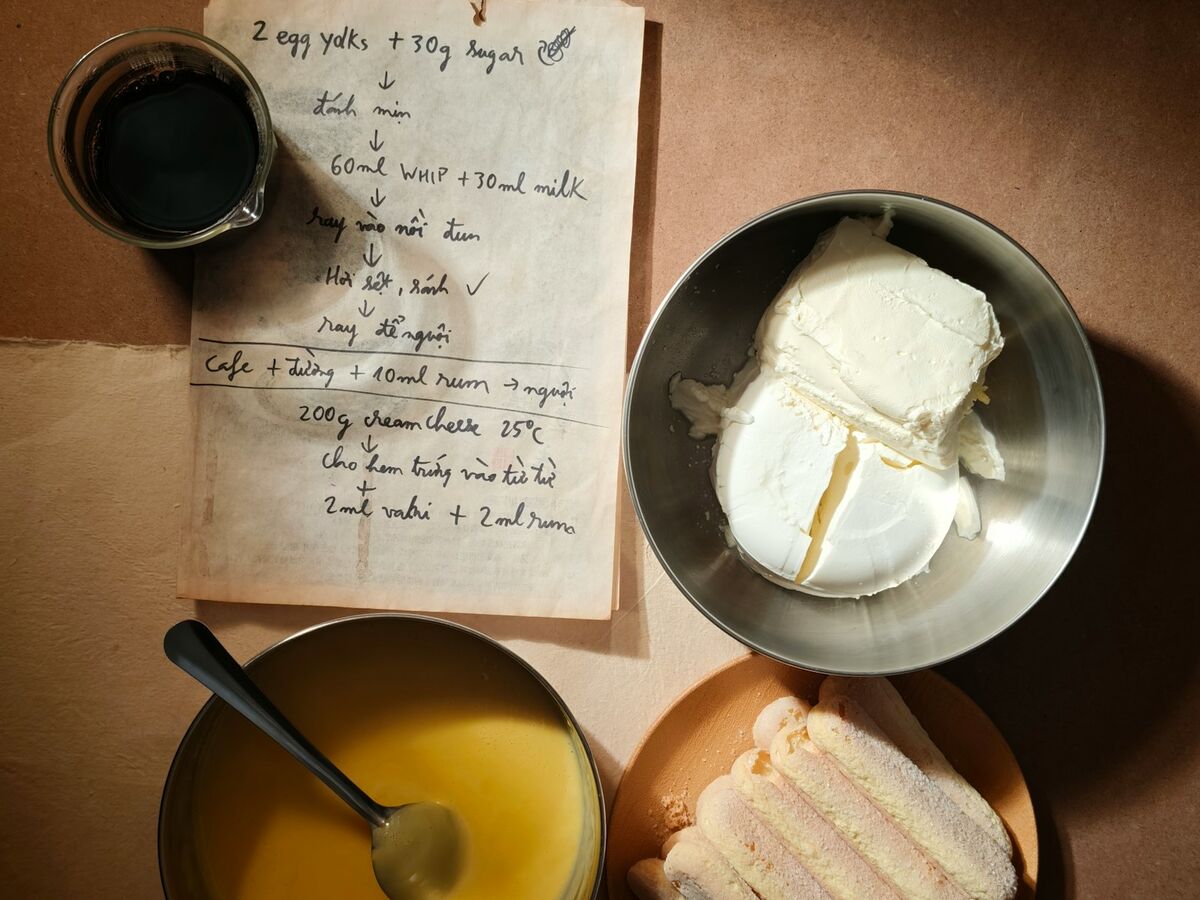
A tin of recipe cards is a search problem. The recipe you want is in there, in a hand you know. You cannot find it by ingredient, read it from across the kitchen or send it to your sister without photographing it anyway. Digitizing is one photo per card and ten minutes of checking.
Why cards get lost
There is one copy
A card lives in one tin in one kitchen. When the tin is lost, so is the recipe.It cannot be searched
Cards are filed under the dish, if at all. The card for the thing you make with leftover rice is under R or S or nowhere.Retyping is the barrier
Typing out 60 cards is a weekend nobody books. So the cards stay cards, and the recipes stay in one head.The card is the point
The handwriting, the splash of batter, the note that says more vanilla. A digital copy keeps the recipe. Keep the card too.
The photo that scans well
Flat, in daylight
Lay the card on a counter by a window. Daylight beats the kitchen light, which is yellow and casts your own shadow over the card.One card per photo
Fill the frame with the card. A photo of the whole tin is a photo of the tin. If the recipe continues on the back, that is a second photo of the same recipe.Straight on
Hold the phone level over the card, not at an angle. A reader can cope with a tilt, but a square photo gives it less to guess.Unfold it
A creased card photographs with a shadow down the fold that can hide a line. Press it flat under a plate for a minute first.Include the margins
The oven temperature is often in a corner, and the servings on the back. Crop nothing.
Cookbook pages are the same job with a gutter. Open the book flat, hold the page down at the edge with your other hand and photograph one recipe at a time. A page that runs over is two photos read together.
A real card and what came back
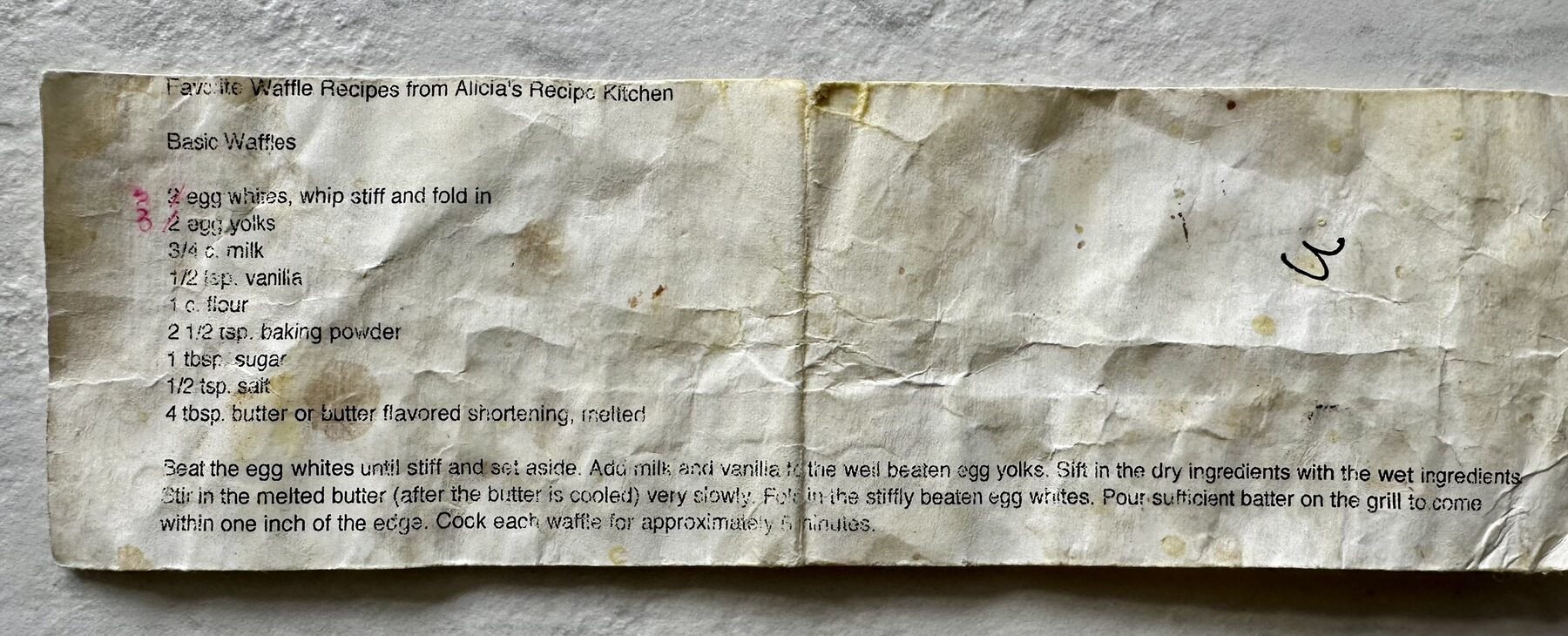
This is a printed waffle recipe that has lived in a kitchen drawer for twenty years. It was photographed once, on a counter, and read by the Forktales scanner. What came back is below. It is also the Basic Waffles recipe page on this site, so you can read every line against the card.
Your photo is read by an AI and isn't kept. Check what it fills in before you save.The reader split nine ingredients into amounts and items, numbered six steps and kept the card’s own wording, including “butter flavored shortening” with its American spelling. It also kept the card’s odd order, where the batter is poured before the butter goes in. That is the right call: a reader should give you the card, and you decide what to fix.
What to check before you save
Skip
- Save it and trust it
- Fix the wording of every step
- Skip the card with no title
Do
- Read the amounts against the card. 1/2 and 1 1/2 look alike in a hurried hand.
- Find the oven temperature and the time. They are the two numbers that ruin a dish.
- Look at anything crossed out or written in the margin. That is the family’s correction, and it is the version to keep.
- Give it the title the family uses, not the one printed on the card.
- Add the card’s owner to the source line.
Hard cards
Faded pencil
Photograph it in the strongest daylight you have and turn the phone’s exposure down so the paper is not white and the pencil is not gone with it.No amounts
“Flour until it feels right” is a real instruction. Keep it as written, cook it once with a scale beside you and add the number you landed on in a note.Old words
Oleo is margarine, sweet milk is fresh milk, a moderate oven is 180 °C (350 °F). Keep the old word in the card’s own line and put the translation in a note.Two recipes on one card
Photograph it twice, once for each, and crop to the recipe in each photo. A reader given both at once will try to make one recipe of them.
Which cards first
The ten you cook
You will use them this month, and you will catch any reading error by cooking.The ones that exist nowhere else
The handwritten ones, the ones from someone who is gone. One copy is one spill from none.The ones people ask you for
The recipe you photograph and text every December. Once it is typed, it is a link.The rest, or not
A tin has recipes nobody has made in thirty years. They can stay cards.
Twenty cards is an evening. The checking takes longer than the photographing, and it is the part worth doing slowly.
Where Forktales fits
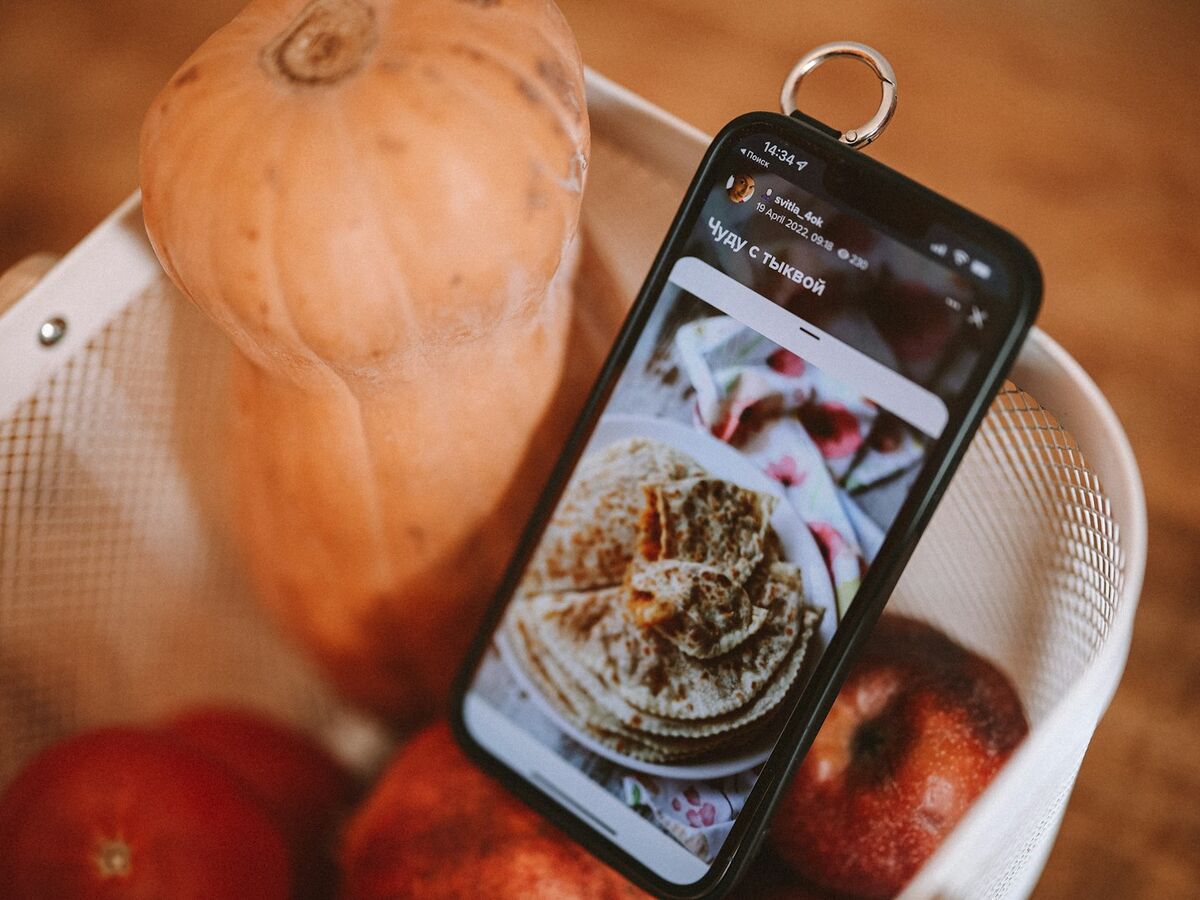
The Forktales scanner takes a photo of a card, a cookbook page or a screenshot, or the recipe’s text pasted in, and fills in the recipe form: title, ingredients split into amount and item, numbered steps, times and servings. Up to six photos of one recipe go in together. Nothing is saved until you press save, and the photo is not kept. A scan spends one credit, a scan that finds no recipe spends nothing and typing a recipe in is free. The typed recipe lands in your recipe box, where your friends can see it if you let them. The family recipes tale is about the cards nobody wrote down at all.