A recipe box that remembers
A private digital recipe box for every recipe you write, every one a friend shares and every one you save. One searchable recipe manager that remembers when you last cooked each dish.
Find it by name, ingredient or tag
The search carries across Mine, Friends and Saved.
Recipes
New recipe
Basic Waffles

Prawn ramen
Sheet-pan vegetables
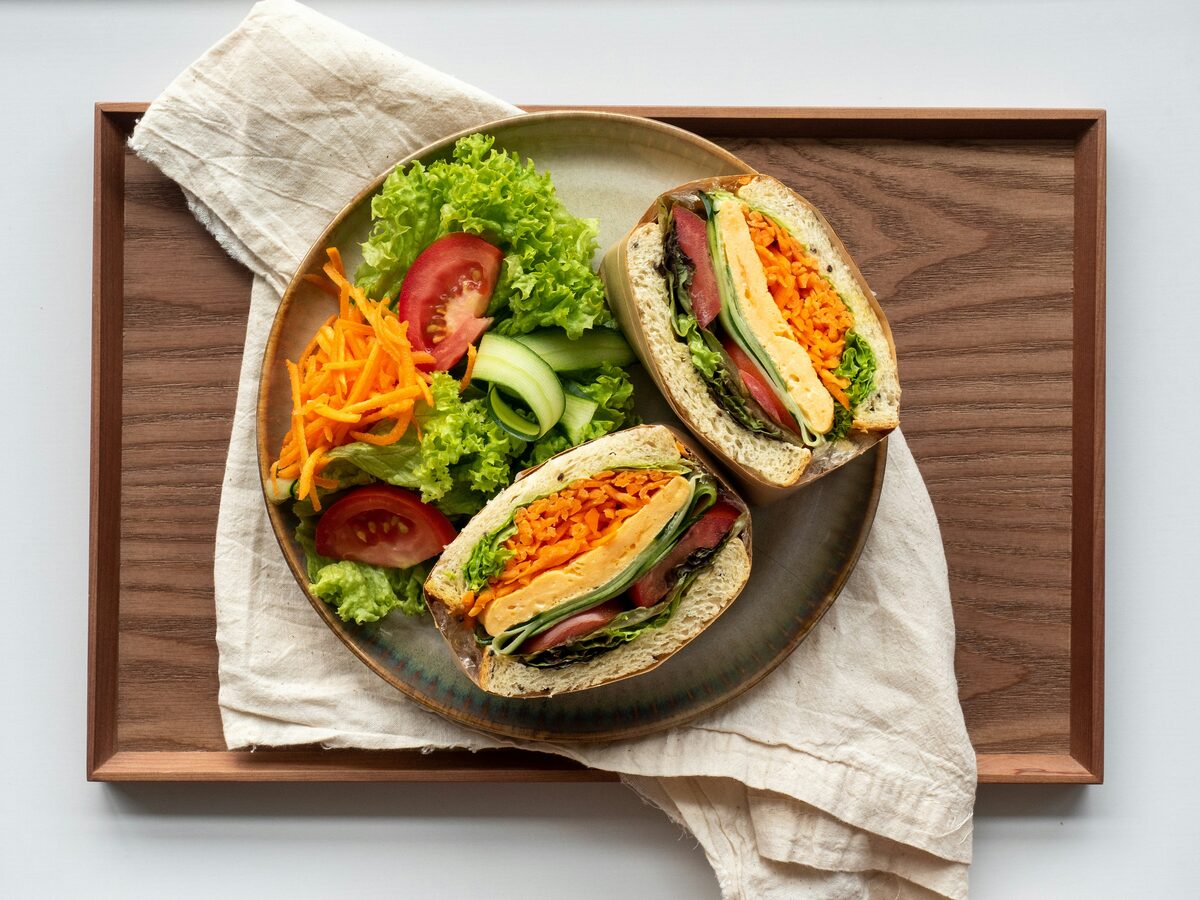
Egg sandwich
Sam
Organize with three views: yours, your friends' and saved
The recipes screen has three scopes. Mine is everything you have written. Friends is every recipe a current friend has shared, with their name on the card. Saved is the ones you have favourited, yours or theirs, so the dish you keep coming back to is one tap away.
Search your recipe box by ingredient or name
Type a dish, an ingredient or a tag and the list narrows as you go. “Egg” finds your waffles and ramen by their ingredients. “Weeknight” finds the ramen by its tag. The search stays when you switch scopes, so under Friends the same “egg” finds Sam's egg sandwich by its name. On a computer, the Recipes screen lays your recipes out in columns, with a side menu for the rest of the app.
Track your cook history
A recipe's page shows when you last cooked it and how many times, counted from the posts you made about it. It shows the photos your friends posted when they made it, each labelled with who cooked. And it shows their ratings by name, so “four stars” means Priya gave it four stars, not a crowd of strangers.
Private recipe storage
Each recipe is either private, visible to you alone, or shared with friends, visible to the friends you have accepted. Nobody who is signed out can see any of it, and there are no public recipe pages. Set a recipe back to private and it leaves your friends' feeds and favourites the same moment.
How friends-only works covers who can see what.
From box to kitchen
Open any recipe in cook mode for one step at a time in big type, with the screen kept awake. Fill the box faster by scanning a recipe card instead of typing it out.
To bring in a recipe from a website, paste its address into the scan panel. Importing from a link covers how.
Questions
Is there a limit on how many recipes I can keep?
No plan limits it. Writing and saving recipes is part of the free core of Forktales. The app shows how many recipes you hold, with no cap beside the number.
Can I import recipes from another app or a website?
From a website, yes: paste the page's address and the recipe fills in for you to check. From another app, not as a file yet. You can paste a recipe's text, or photograph a card or a cookbook page, and the scan fills in the form. Importing recipes, in the help pages, has the details.
Can I say which cookbook a recipe came from?
Yes. Every recipe has an optional Source line for a cookbook, a magazine or a person, and the recipe page shows it under the title.
What happens to a saved recipe if we stop being friends?
Saving keeps a link to their recipe, so it goes when the friendship does. Forking makes a copy that is yours: it stays in your box, credited to them, however the friendship goes.
Can I keep a recipe to myself?
Yes. Every recipe is private or shared with friends, and you can switch it either way from the recipe page. A private recipe is visible to you alone.
Also on Forktales
All features- Scan a recipe cardPhotograph a card, a page or a screenshot. AI types it up for you to check.
- Import from a linkPaste a recipe's address, or send a page with the bookmarks-bar button on a computer or the share sheet on Android.
- Cook modeOne step at a time in big type, screen kept awake.
- Friends onlyNo public profiles, no algorithm, no ads.
- Invite friendsBring the people you cook with. You both earn credits when they add their first recipe.
From the tales
- How to collect family recipes, including the ones nobody wrote downHow to collect family recipes for a family cookbook or your own recipe box: photographing old cards, cooking beside the person who knows the dish and measuring the pinch.
 Stuck in a dinner rut? Borrow your friends' weeknight dinnersHow to get out of a dinner rut without a new cookbook: ask friends what they cook on a Tuesday, add one of their dishes a week and keep the ones that stick.
 How to ask a friend for their recipe, and actually get itHow to ask a friend for their recipe and actually get it: the best time to ask, the follow-up messages that work and the etiquette of a recipe request.