Skip typing your recipes in
An AI recipe scanner that turns photos of recipe cards, cookbook pages or screenshots into digital recipes. The draft comes back typed up for you to check and save.
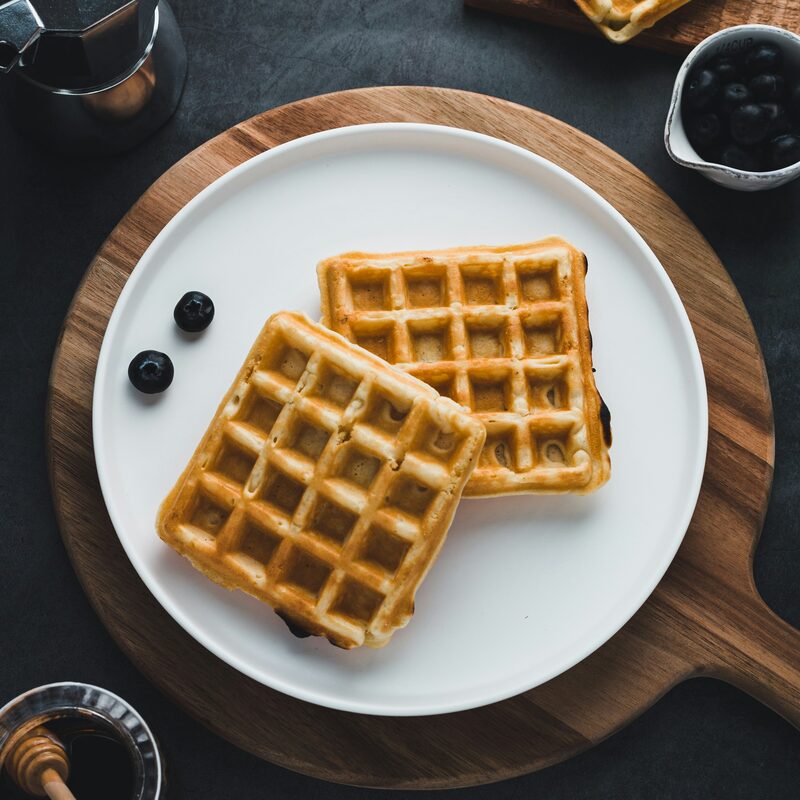
The card in your drawer, typed up
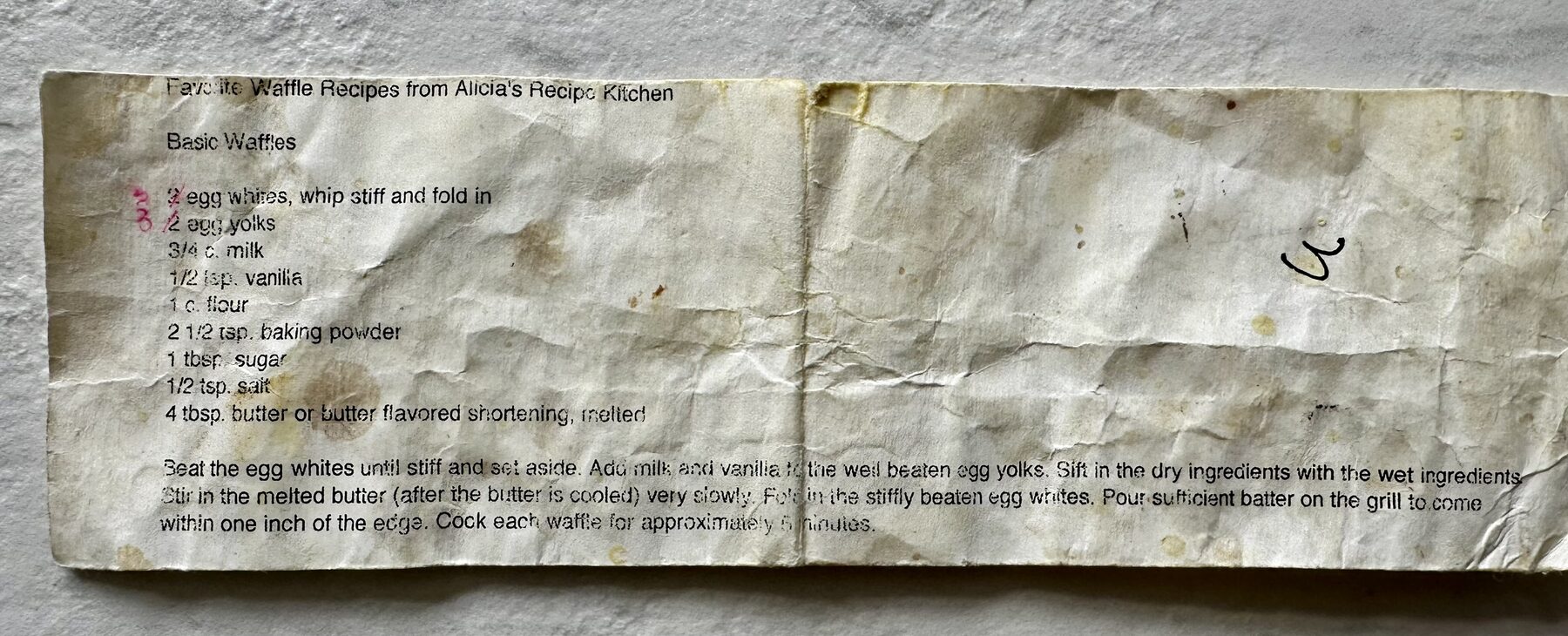
This waffle recipe has been folded in a kitchen drawer for twenty years: creased and stained. Take a photo of it and it comes back as a draft recipe. Check it and press save.
 Your photo is read by an AI and isn't kept. Check what it fills in before you save.
Digitize the recipes worth saving
The best ones are on index cards in a tin, on the back of an envelope, in a cookbook with a broken spine or in a message from a friend. Retyping them, line by line, is the reason they stay there. Scanning is for getting them out: a photo goes in, a recipe comes back and the card goes back in the drawer.
What can you scan into your recipe box?
- A photo of a recipe card, a cookbook page or a printout, taken with the camera or chosen from your photos.
- A screenshot: a recipe in a message, a note or a web page you would otherwise copy out by hand.
- Several photos of one recipe: the front and back of a card, or a recipe that runs across a few pages.
- Pasted text, from a message, a note or a web page.
- Photos and text together, when half of it is written down and half was explained on the phone.
AI recipe transcription
An AI model reads what you gave it and fills in the title, a description, prep and cook time, how many it serves, the ingredients, the steps in order and a few tags. Each ingredient is split into quantity, unit and name. Handwriting becomes amounts you can measure, and one long paragraph becomes numbered steps. Quantities are written the way a recipe card writes them, so half a cup is 1/2 cup, not 0.5. It all lands in the recipe form, ready for you to read through.
Review and refine your scanned recipe
A model reads the card. You decide what it got right. Nothing is saved until you press save, so a smudged line is yours to fix. If what you gave it is not a recipe at all, the panel says so and leaves the form for you to fill in by hand.
The photo is not kept
The photo is read by an AI model and not kept. It does not become part of the recipe unless you set it as the cover photo yourself. The scan panel says so every time.
Nutrition, on the recipe page
Once a recipe is saved, its page offers Work out nutrition, marked Beta. It estimates calories, protein, carbs, fat, fiber, sugars and sodium for one serving and spends one of your credits. Everyone who can see the recipe then sees the numbers. The recipe nutrition guide has more.
Credits
A scan, a link read by AI and a nutrition estimate each spend one credit. You get 5 when you join, and inviting friends earns you more. Pricing has the rest.
Integrated with your recipe box
Scanned recipes sit in your recipe box with everything else: searchable, shareable with friends and ready for cook mode.
Questions
Does it read handwriting?
Yes: handwritten cards, printed cards, cookbook pages and screenshots of text. The messier the writing, the more carefully you should read what comes back before you save it.
What if a recipe runs over two cards or several pages?
Add up to 6 photos to the same scan. They are read together as one recipe, and the scan spends one credit however many photos it took.
Is the photo kept?
No. The photo or text is sent to an AI model to be read and is not stored. Nothing is saved until you press save on the recipe, and then only the recipe.
Can I scan on a computer?
Yes. On a computer, Take a photo and Choose a photo both open your files, so you can pick a photo or a screenshot you saved. You can also paste the recipe's text.
Can I scan a whole cookbook?
One recipe at a time. Each scan spends one credit, and the scan panel shows how many you have. Writing a recipe by hand is always free and never limited.
How many scans do I get?
You get 5 credits when you join, and each scan spends one. A scan that fails or finds no recipe spends nothing. When a friend you invite adds their first recipe, you each get 5 more.
Also on Forktales
All features- Recipe boxYour recipes, your friends' and the ones you saved. All searchable, with a cook history.
- Import from a linkPaste a recipe's address, or send a page with the bookmarks-bar button on a computer or the share sheet on Android.
- Cook modeOne step at a time in big type, screen kept awake.
- Friends onlyNo public profiles, no algorithm, no ads.
- Invite friendsBring the people you cook with. You both earn credits when they add their first recipe.