Everything Forktales does
A recipe box that is quick to fill and easy to cook from, shared with the friends you cook with.
Get recipes in fast
Bring in the card from the drawer, the page you bookmarked and the one you know by heart.

Scan a recipe card(spends a credit)
Photograph a handwritten card, a cookbook page or a screenshot. It comes back typed up, with amounts you can measure and numbered steps, as a draft for you to check.
More about scanning- Import from a linkPaste a recipe's address. Pages with recipe data fill in at no cost. Other pages are read by AI for a credit, after you confirm. The recipe keeps a link back to the page.
- Save from a recipe pageOn a computer, a button on your bookmarks bar. On Android, the share sheet. It works like pasting the link.
- Or type it inGroup ingredients into parts and mark where each stage of the method begins.
Easy to cook from
A recipe laid out the same way every time, with the step you are on in big type.

Cook mode
Tick the ingredients as you set them out, then go one step at a time in big type. Your screen stays awake until you close cook mode.
More about cook mode- Nutrition estimates(spends a credit)Beta. Calories and macros for one serving, estimated from the ingredients.
- Amounts the way you measure“3/4 cup”, not “0.75 cup”. Step numbers run through the whole method, so step 5 is step 5 everywhere.
Kept in order
Every recipe you keep, in one place you can search, with a record of every time you made it.
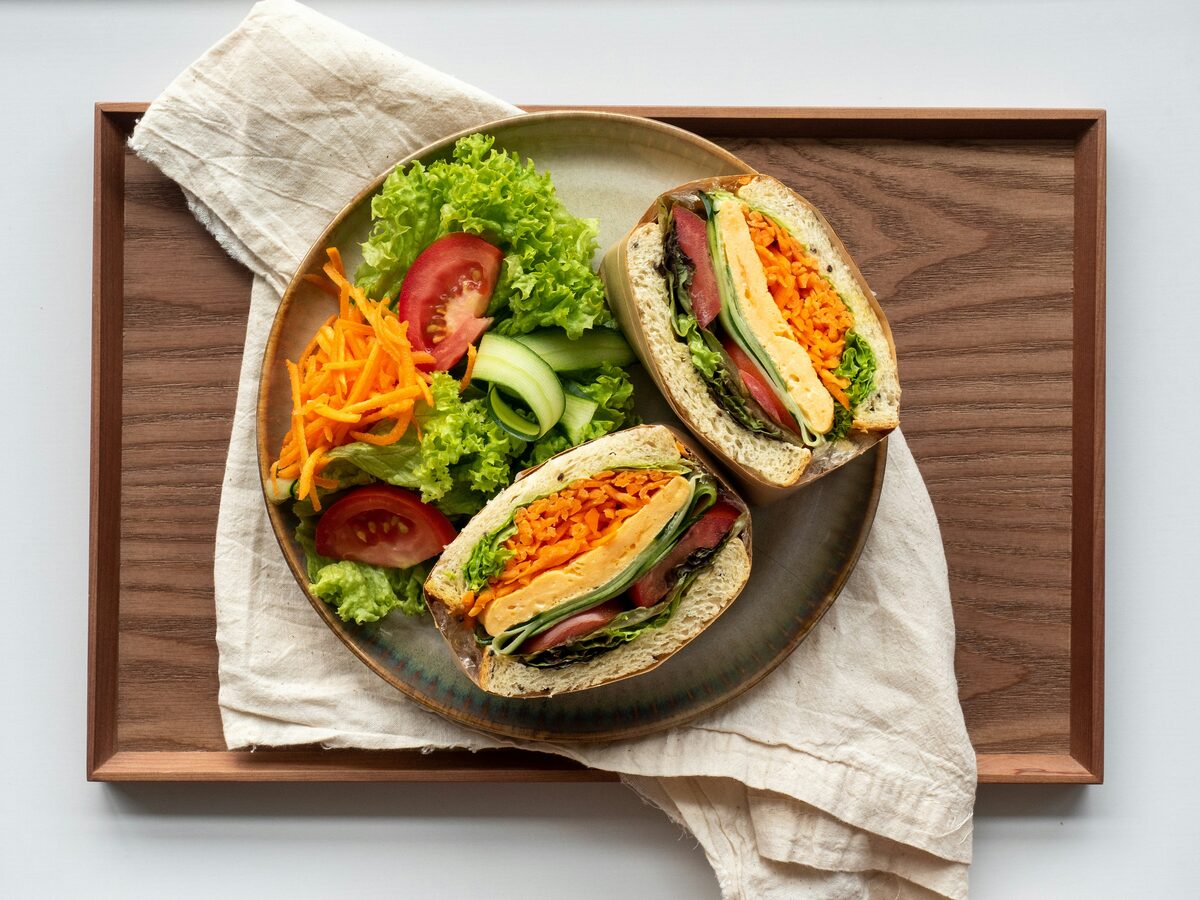
Recipe box
Your recipes, every recipe your friends share and the ones you saved, each a tap apart. Each recipe shows when you last made it, how often and your friends' photos of it.
More about the recipe box- Search and tagsFind a dish by title, ingredient or tag. Results update as you type.
- Private or sharedShare a recipe with your friends or keep it to yourself. You choose for each one.
Better with friends
See what the people you eat with are cooking, and get the recipe for the dish you tasted.
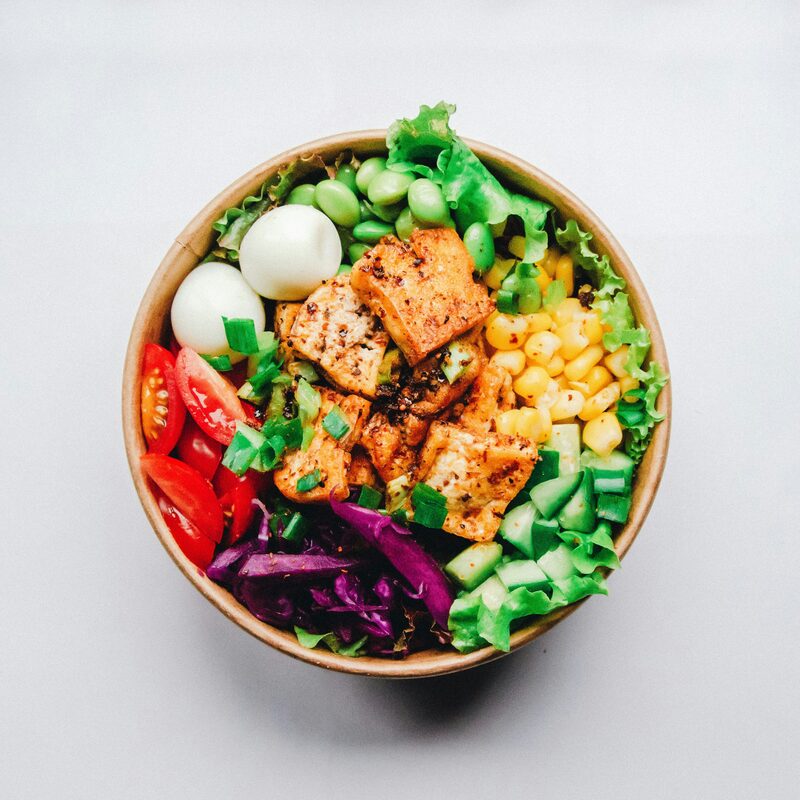
Friends only
Only friends you have accepted see what you post. No public profiles, no algorithm and no ads. End a friendship and access ends both ways.
How friends-only works- Share a plateA photo and a few words. Made it or bought it, at home or out.
- Ask for the recipeOne tap on a friend's post. They write it up once and share it with you.
- Fork itStart from a friend's recipe and make it yours. Your fork stays linked to theirs.
Bring the people you cook with
When a friend you invite adds their first recipe, you each get 5 credits. Credits pay for scans, links read by AI and nutrition estimates.
How inviting worksOn a computer too
Forktales works in a web browser on a computer. On a wide screen it shows a side menu, lays the feed and your recipes out in columns and keeps recipes and posts in a readable centre column.
Also in every account
- Phone or computerForktales runs in the browser on your phone or your computer. On a phone, add it to your home screen and it opens like an app.
- No passwordSign in with a link sent to your email, or with Google.
- Leave any timeDelete your account from your profile and your posts, recipes and friendships go with it.
Free to use, with credits for the AI
The recipe box, cook mode, posting and asking are free on every account. Features markedspend a credit. You get 5 when you join.