Compare · Updated · 7 min read
The best app to scan handwritten recipe cards: six apps that claim to read handwriting
Six recipe apps say they can read a handwritten recipe card from a photo: Forktales, Recipe Keeper, Samsung Food, ReciMe, CookBook and Stashcook. Here they are side by side on price, platforms, what the scan costs and what happens to the photo, from each vendor’s own pages.
Forktales wrote this page. It makes one of the apps in it, says so where it matters and names what it does not do.
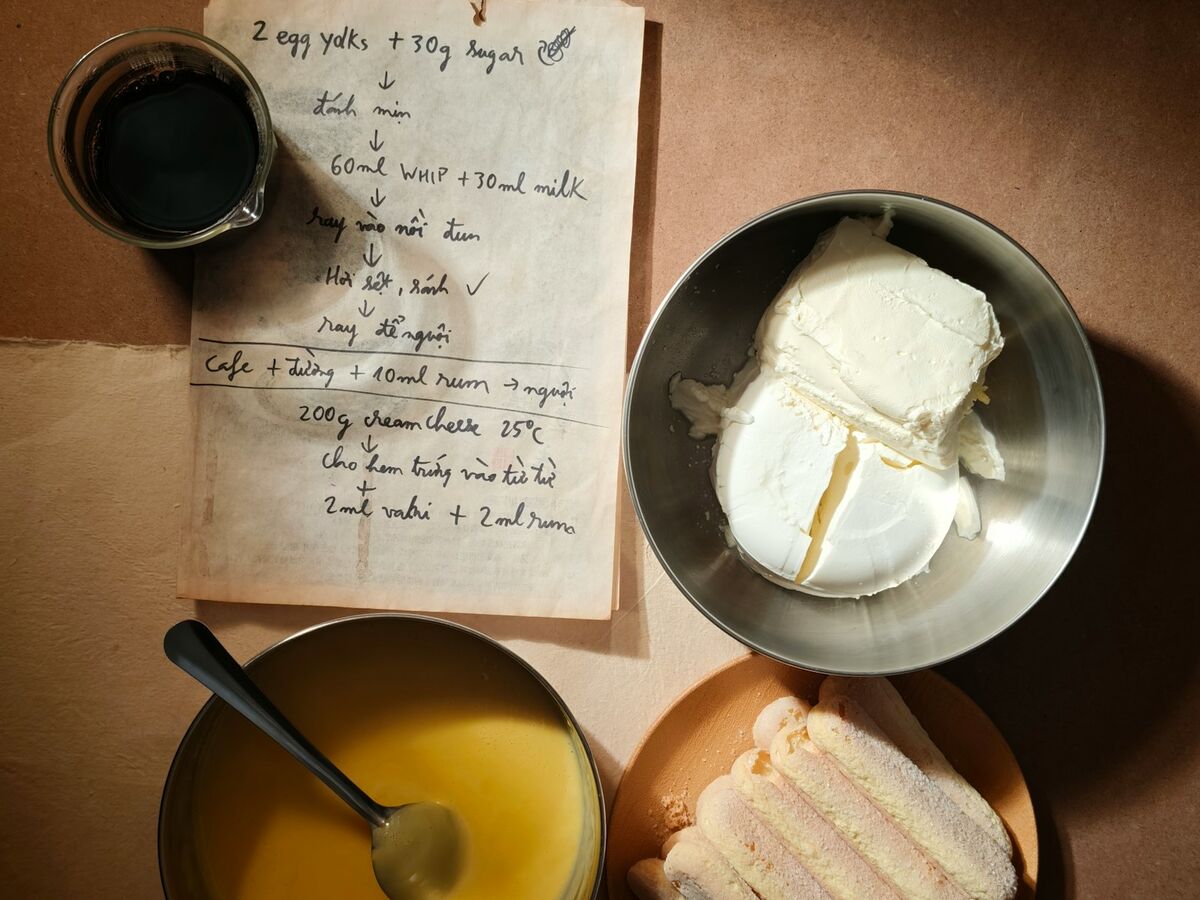
If you have a box of cards, the scan is the feature that decides the app. Twelve apps were checked for this page. Six claim, on their own sites, to read handwriting. They are in the table; the rest are named below. The judgment here is on what the vendors say, not on a bake-off: we have run only our own scanner on our own cards.
Side by side
| Forktales | Recipe Keeper | Samsung Food | ReciMe | CookBook | Stashcook | |
|---|---|---|---|---|---|---|
| Runs on | Any phone, tablet or computer, in a browser. Installs from the browser to the home screen. No app store listing. | iOS, Android, Mac and Windows apps. No web app. | iOS, Android and Mac apps, and a web app. | iOS, iPad, Mac, Vision Pro and Android apps, and a web app. | iOS, iPad, Mac, Vision Pro and Android apps, and a web app. | iOS, iPad, Mac, Vision Pro and Android apps, and a web app. |
| Price | Free. AI actions spend credits: 5 on sign-up, 10 for CA$4.99, or Plus at CA$4.99 a month. | Free. Pro bought once per platform: CA$24.99 on iOS, CA$39.99 on Mac, CA$39.99 on Windows. | Free. Food+ at CA$9.99 a month or CA$79.99 a year. | Free with five imports a week. Plus from CA$9.99 in-app; the help centre quotes US$39.99 a year. | Free to 20 recipes and 20 smart imports. Pro at CA$9.99 a month or CA$49.99 a year. | Free. Premium at CA$29.99 a year or CA$7.99 a month on the web; Family+ in-app at CA$12.99 or CA$49.99. |
| Getting recipes in | Paste a link, send a page from the bookmarks bar or the Android share sheet, paste the recipe’s text or photograph it. No file import. | Links, pasted text, the camera, photos and PDFs; files from Paprika, Pepperplate, MasterCook, Living Cookbook, MacGourmet and BigOven. | Links, a Chrome extension and the Android share sheet. Pasted text not verified. | Links, a Chrome extension, the share sheet, screenshots and cookbook photos; pasted text on Plus; moves from Paprika, Notes, Google Docs, Notion and Evernote. | Links, the share sheet, a Chrome and Edge extension, pasted text, a CSV template and .cookbook files; the team moves Paprika, Recipe Keeper and Plan to Eat libraries for you. | Paste a link, an in-app browser, pasted text, a voice note, multi-page cookbook photos and screenshots. |
| Photos and handwriting | Photos, screenshots and handwriting, up to six photos for one recipe. The photo is read by AI and not kept. One credit a scan; a failed scan is free. | Scans cookbooks, magazines and handwritten recipes, the vendor says. Photos go to a third-party OCR service and may be kept for a period. | Photos of cookbooks, scans and handwritten recipes, the vendor says. Three free scans, then Food+. Photo retention not verified: the support site was unreachable. | Cookbooks and handwritten notes, the vendor says, on Plus. The privacy policy does not say what happens to the photo. | Automatic (AI) or manual scan of up to two photos or a PDF; handwritten cards, the vendor says. The original images are stored in the recipe. | AI reads the photo; handwritten recipes, the vendor says. The images are stored in the recipe. |
| Getting recipes out | No file export yet. Every recipe is plain text on its page. | A PDF cookbook. No general export in the vendor’s copy. | Not found in the vendor’s pages. Print only. | One recipe to PDF or print, on Plus. No bulk export described. | Text, PDF or a .cookbook ZIP, on the free plan. | Not found in the vendor’s pages. |
| Sharing | Private by default. A recipe shared with friends shows in their feed and opens by a link for signed-in friends. Friendship is mutual. No public profiles. | One recipe by email or social apps; a shared family recipe collection. No link for people without the app. | Share a recipe with anyone; collections, communities, shared lists and plans. Scanned recipes stay private to you. | Email, SMS, WhatsApp and AirDrop; shared cookbooks; a shared login. | One recipe as a file, QR code, link, text or PDF. Collections are private by default. No family profiles or account linking. | One recipe as text with its original link. Family Share for up to six, with one Premium member. |
| Planner and list | None. No planner, shopping list or pantry. | Meal planner and shopping list. | Planner and grocery list; pantry on Food+. | Planner and grocery list. | Planner and grocery list. | Planner, grocery list and pantry. |
Read from Forktales, Recipe Keeper, Samsung Food, ReciMe, CookBook and Stashcook on 31 October 2026. Prices are as the vendors state them on that date; the store price in Canada can differ.
What happens to the photo
A recipe card is often the only copy of someone’s handwriting. Where the photo goes after the scan is the question to ask first, and the answers differ more than the prices do.
- Forktales reads the photo with AI and does not keep it. The typed recipe is what is saved.
- Recipe Keeper sends it to a third-party OCR service. Its privacy page says scanned photos and text may be retained for a period of time.
- CookBook and Stashcook store the original images with the recipe, which is useful if you want the card and a cost if you did not want it on a server.
- ReciMe’s privacy policy does not mention scan photos. Samsung Food’s support site could not be reached on the day.
What a scan costs
Every app in the table meters the scan. The free allowance is the number to compare.
| App | Free | Then |
|---|---|---|
| Forktales | 5 credits on sign-up, 5 more when a friend joins; a failed scan is free | 10 for CA$4.99, or Plus at CA$4.99 a month |
| Recipe Keeper | Free app with limits | Pro once: CA$24.99 iOS, CA$39.99 Mac or Windows |
| Samsung Food | 3 scans | Food+ at CA$9.99 a month |
| ReciMe | 5 imports a week; handwriting on Plus | Plus from CA$9.99 in-app |
| CookBook | 20 smart imports | Pro at CA$9.99 a month |
| Stashcook | Not stated | Premium at CA$29.99 a year |
Which to pick
- You have a box of cards and want them in the family’s hands, not on a server. Forktales: the photo is not kept, the recipe goes to friends you accept, and the box is free. Read what it does and does not do first; there is no planner.
- You want the cards and a meal plan in one native app, bought once. Recipe Keeper, if you accept that the photo may be kept for a period.
- You want the original image stored beside the typed recipe. CookBook or Stashcook; both keep it on purpose.
- You already plan and shop in Samsung Food or ReciMe. Stay, and budget for the subscription: the free allowance is three scans or five imports a week.
A better photo beats a better app
Skip
- A card at an angle under a kitchen light
- A whole page in one shot with the recipe in a corner
- A photo of a photo
Do
- The card flat, in daylight, filling the frame
- Both sides as two photos of one recipe
- A long card as two overlapping shots
- A screenshot cropped to the recipe
What we checked, and did not
Every column is from the vendor’s own site, help centre, privacy page or Canadian App Store listing, read on 31 October 2026. We make Forktales and have scanned our own cards with it. We did not scan the same card in the other five apps, so nothing here says which reads a hand best. samsungfood.com returned an error that day; its figures are from the App Store listing. Prices change.